AI-Powered OCR: How Malaysian Businesses Are Automating Bank Statements, Invoices, and Receipts
AI OCR can prepare structured data from bank statements, invoices, and receipts. Malaysian finance teams should test their own formats, review errors, and measure the complete workflow before scaling.
The Hidden Cost of Manual Data Entry
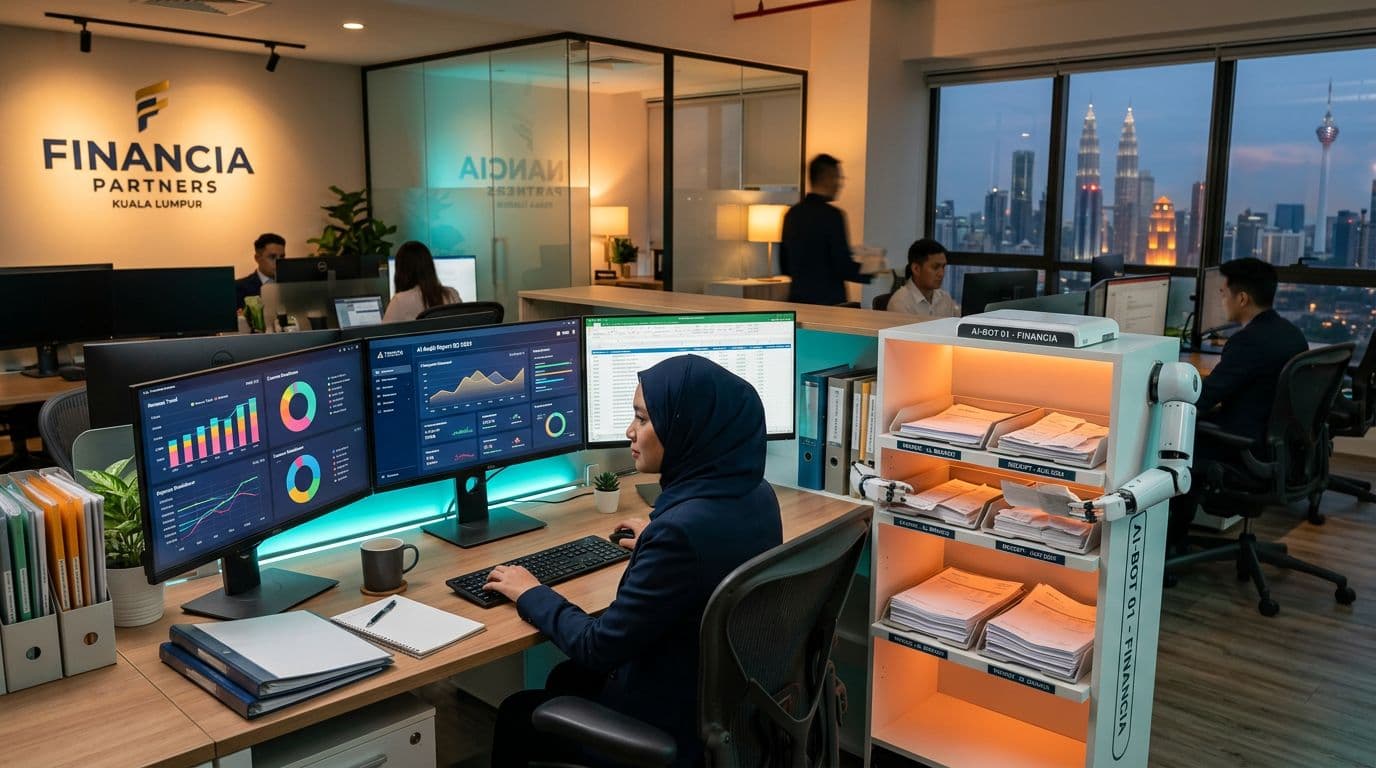
Every accounting firm and finance department in Malaysia knows the routine. A client or supplier sends a stack of bank statements, invoices, or receipts, sometimes as scanned PDFs and sometimes as phone photos. Someone opens each document, reads the figures, and types them line by line into Biztrak, SQL Account, UBS, or whichever accounting system the business runs. The work is slow, tedious, and error-prone.
The workload depends on transaction volume, document quality, and how much checking the accounting system requires. A transposition error, such as typing RM 1,320 instead of RM 13,200, can affect balances and financial reports. Record your current entry and correction time before comparing it with an automated workflow.
What Is AI-Powered OCR?
Optical Character Recognition (OCR) has existed for decades, but traditional OCR was brittle. It struggled with poor scan quality, mixed languages, varying layouts, and handwritten notes, which are common in Malaysian business documents. AI OCR takes a different approach. Instead of matching individual characters against templates, it uses neural networks trained on real-world documents to understand structure and context.
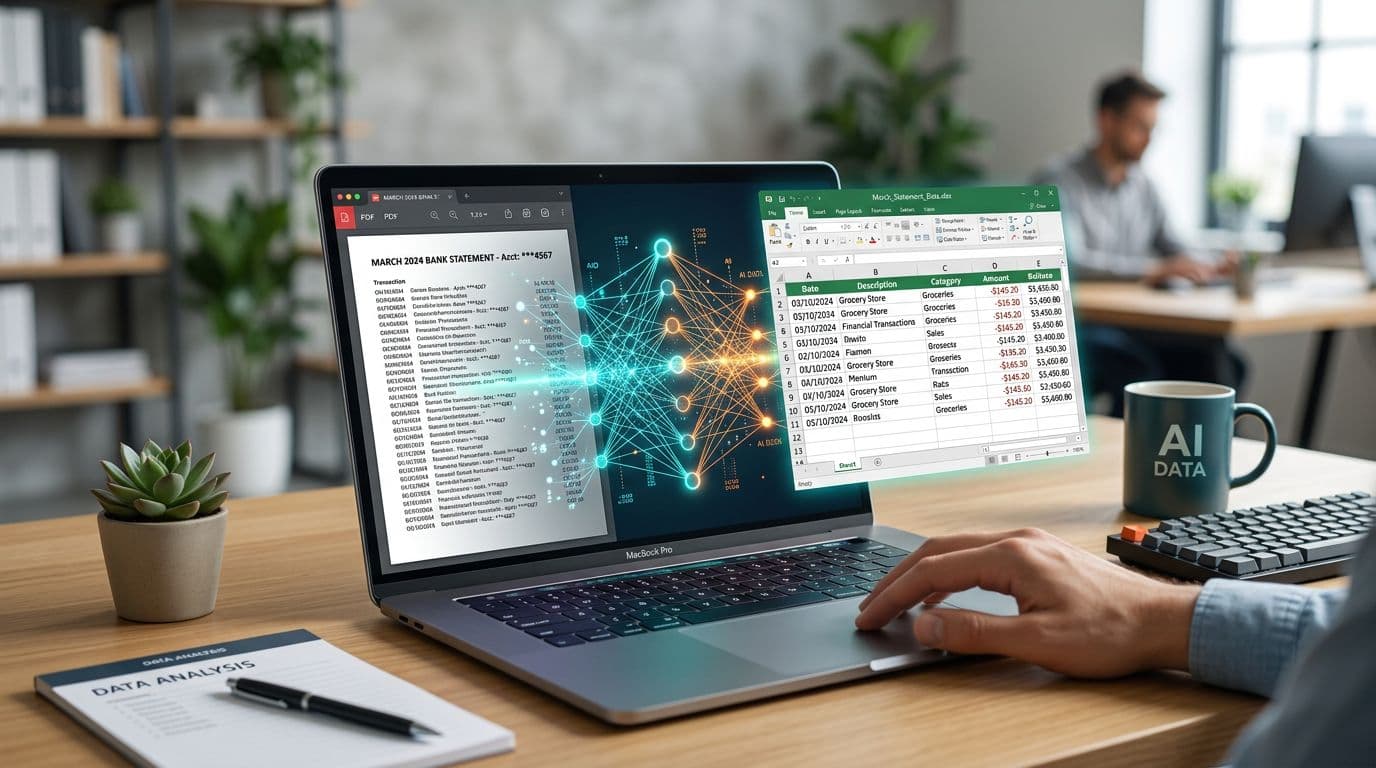
A bank-statement extraction workflow can identify dates, descriptions, references, debits, credits, and balances. Support varies by tool, bank format, language, and scan quality. Check sample statements from the banks you actually use, including layout changes and multi-page transaction tables.
How It Works in Practice
Upload a bank statement PDF, receipt photo, or scanned invoice to an approved processing environment. The extraction engine returns structured fields for review. After validation, your team can export CSV or Excel, or use an API integration to prepare draft accounting entries. Processing time and the amount of correction needed vary by document.
- Bank statements: test extraction of transaction dates, descriptions, references, debits, credits, and balances against your actual bank formats.
- Supplier invoices: pull out vendor name, invoice number, line items, quantities, unit prices, tax amounts, and totals.
- Receipts and petty cash: extract merchant names, dates, items, and totals; faded or crumpled receipts may need manual entry or a clearer image.
- Delivery orders and purchase orders: extract order numbers, item descriptions, quantities, and delivery dates.
How to Evaluate OCR Accuracy
Evaluate accuracy on your own documents rather than relying on a headline percentage. Compare extracted dates, amounts, references, and balances with checked source records. Record missing transactions, duplicated rows, and incorrect fields separately. A confidence score from an extraction tool is not a measured accuracy rate for your accounting workflow.
Where the tool provides confidence scores, use them to route uncertain results for review. Also check totals, transaction completeness, and duplicate handling before posting. Amazon Textract best practices recommends considering document quality and the sensitivity of the use case when setting review thresholds. That guidance does not establish an accuracy benchmark for SEA Bank OCR or another product.
Measure the Full Workflow in a Pilot
Use a representative batch of statements and record the time needed for the current manual process. Then time the automated process from document preparation through extraction, review, corrections, import, and reconciliation. Use the same output requirements for both runs.
Calculate the difference only after the reviewed outputs meet the same quality standard. Keep clean PDFs and difficult scans separate so one easy batch does not hide exceptions. This article does not provide a measured customer result or a guaranteed saving in hours or ringgit.
Tools Available in the Malaysian Market
Several AI OCR tools now support Malaysian bank formats specifically. SEA Bank OCR (seabankocr.com) is purpose-built for Southeast Asian banks, offering direct support for Maybank, CIMB, Public Bank, and Singapore banks like DBS, OCBC, and UOB. For businesses that need broader document processing beyond bank statements, platforms like Nanonets, Rossum, and Microsoft Azure Document Intelligence offer configurable extraction models.
Your use case should drive the choice. For bank statements, evaluate a specialised tool such as SEA Bank OCR against your actual formats and export requirements. If you also process invoices, receipts, and delivery orders, compare a configurable document platform using the same test files and review criteria.
Integration with Malaysian Accounting Systems
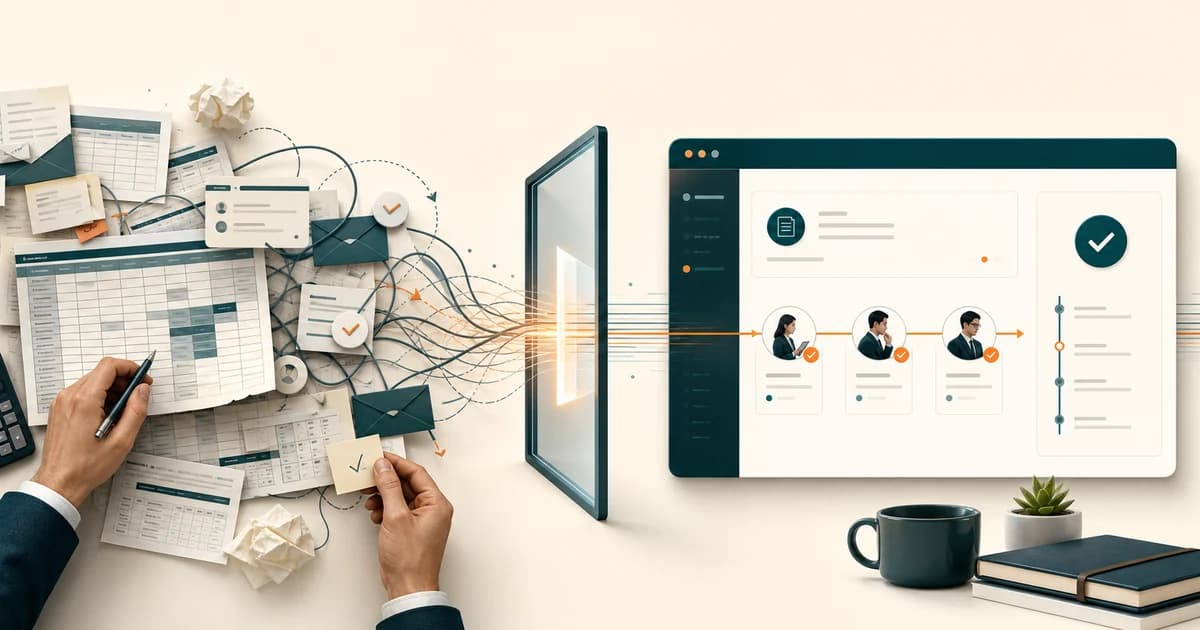
An AI integration project can connect reviewed OCR output to your accounting software. Define mappings for account codes, tax treatment, and reference numbers, then test draft entries before enabling posting. Confirm the supported import or API route with your accounting provider and include review and correction time when measuring the benefit.
An integrated workflow can reduce copying between systems, but posting controls still matter. Validate account codes, tax treatment, totals, and duplicates, and require the appropriate approval before entries reach the ledger. Include this work in the pilot measurement.
Getting Started with AI Document Processing
Start with one document type and representative files from your own workflow. Compare the reviewed output against manual entry for accuracy, completeness, and total staff time. Agree acceptance criteria before expanding. The service page for AI document processing in Malaysia covers mixed inboxes, classification, and accounting integration. If the workflow also needs approvals, alerts, or reporting, extend the pilot into an AI workflow automation sprint.
Ready to Automate Your Document Processing?
GreatRise IT helps Malaysian businesses integrate AI OCR with their existing accounting systems, from bank statement automation to full invoice processing pipelines. Fixed-scope projects, no open-ended retainers.